
Take the shot.
A live preview, a timer and a shutter. Keep the session moving.
 GeneBooth
Get the desktop app
Capture on iPhone or iPad. Create the keepsake.
Print from your laptop.
Desktop 1.1.1 · Early access · Windows & macOS
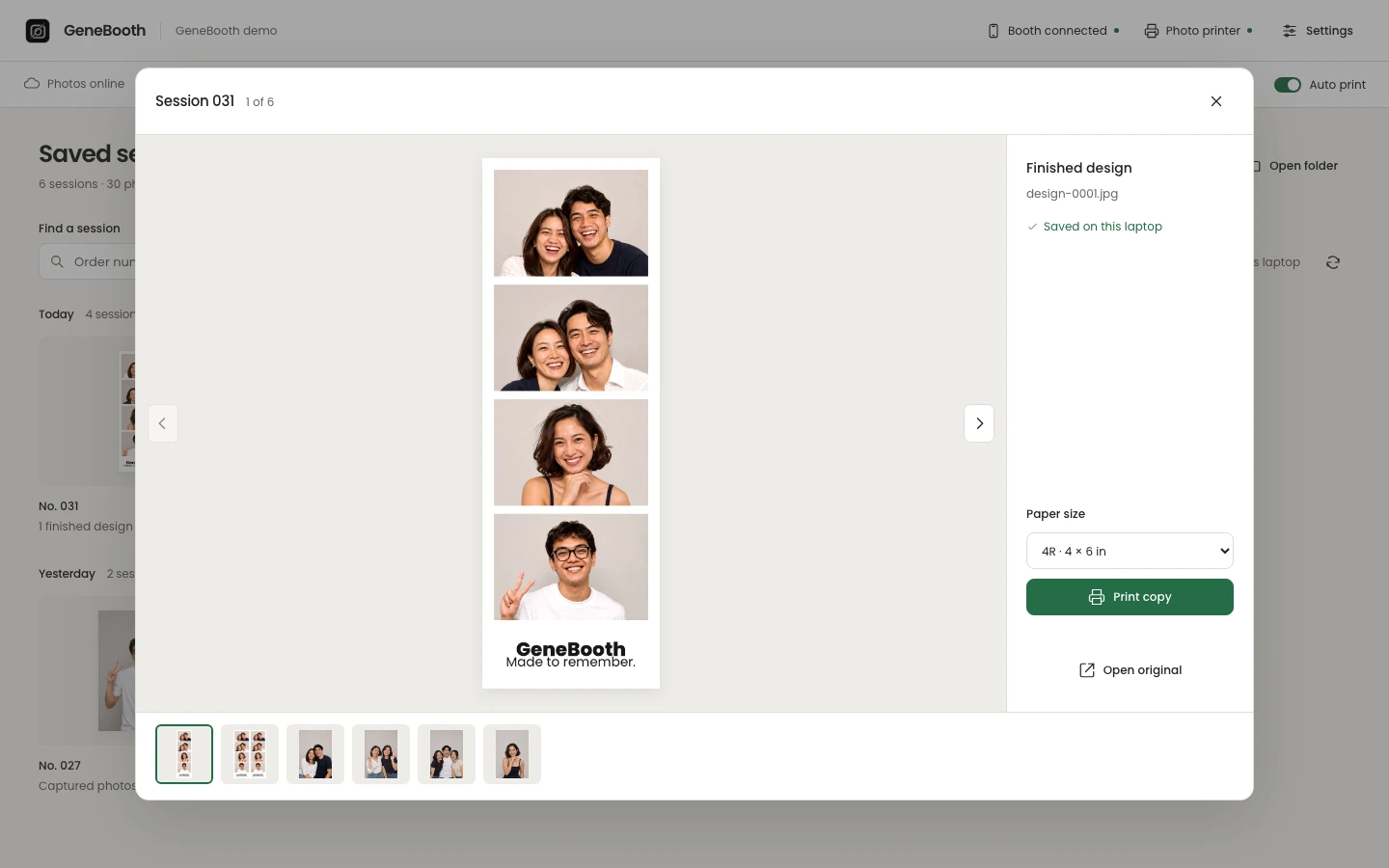
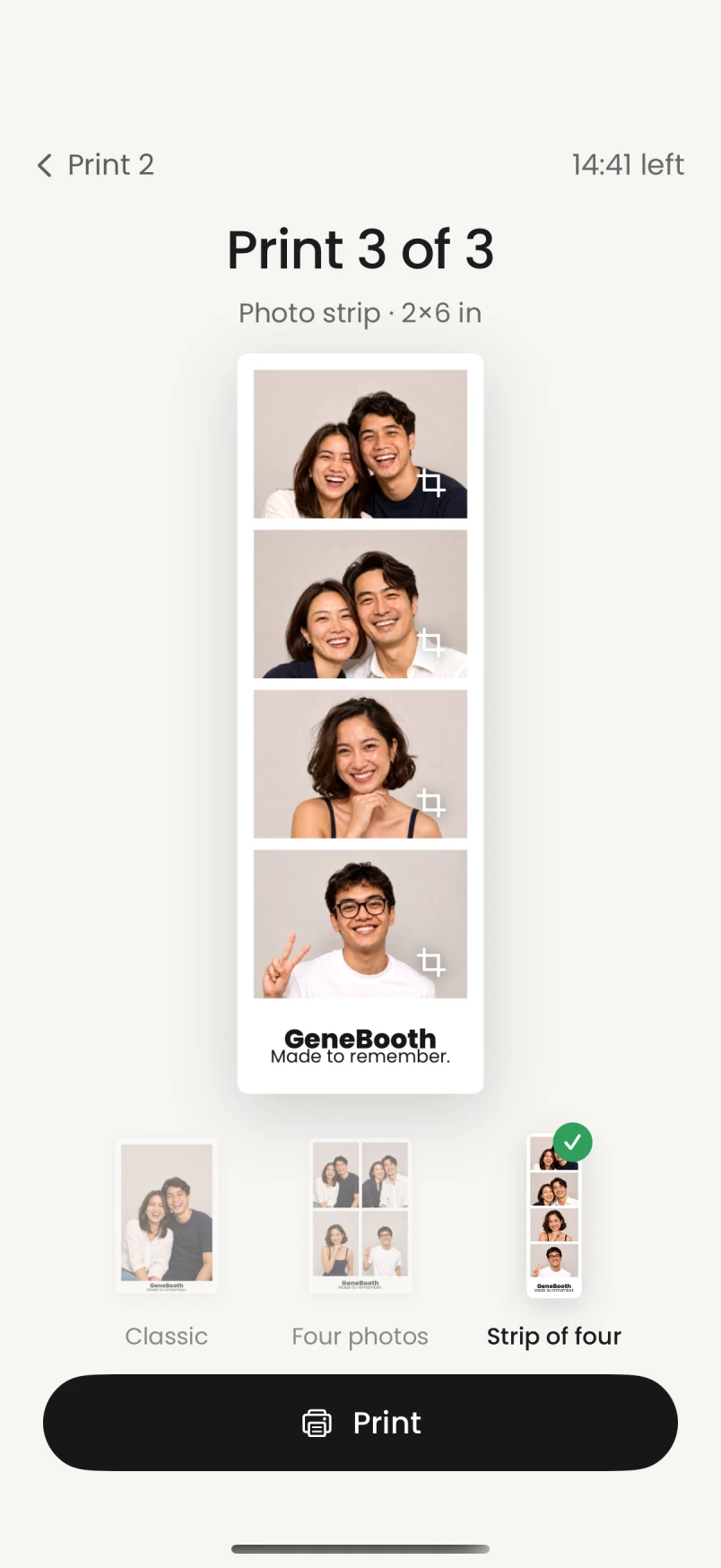
The finished strip, ready to print.
Actual app screens with illustrative demo photos. Device mockups for presentation.
A simple guest flow, from capture to sharing. Explore it on iPhone below.
A live preview, a timer and a shutter. Keep the session moving.
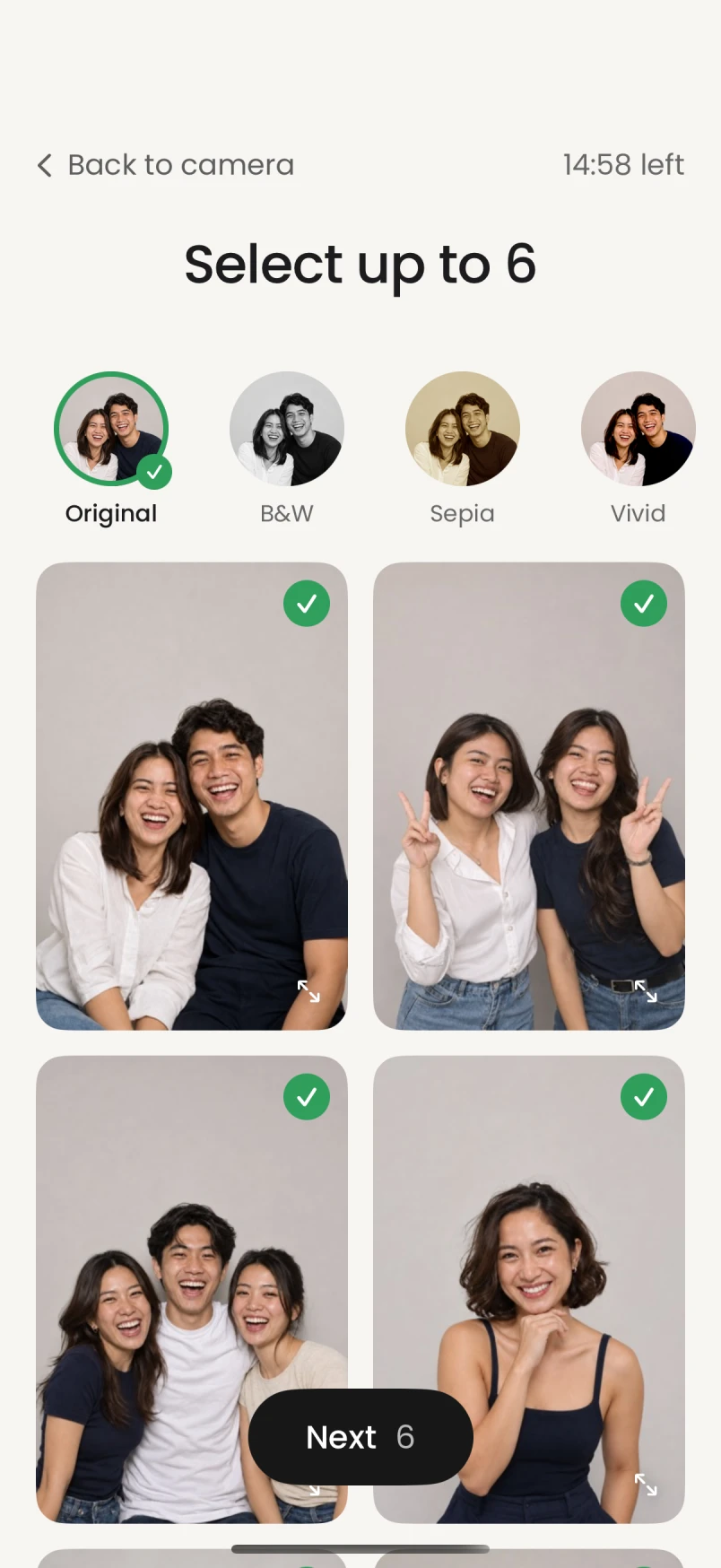
A clear gallery of the session, ready for guests to choose.
Switch layouts and put the right photo in every spot.
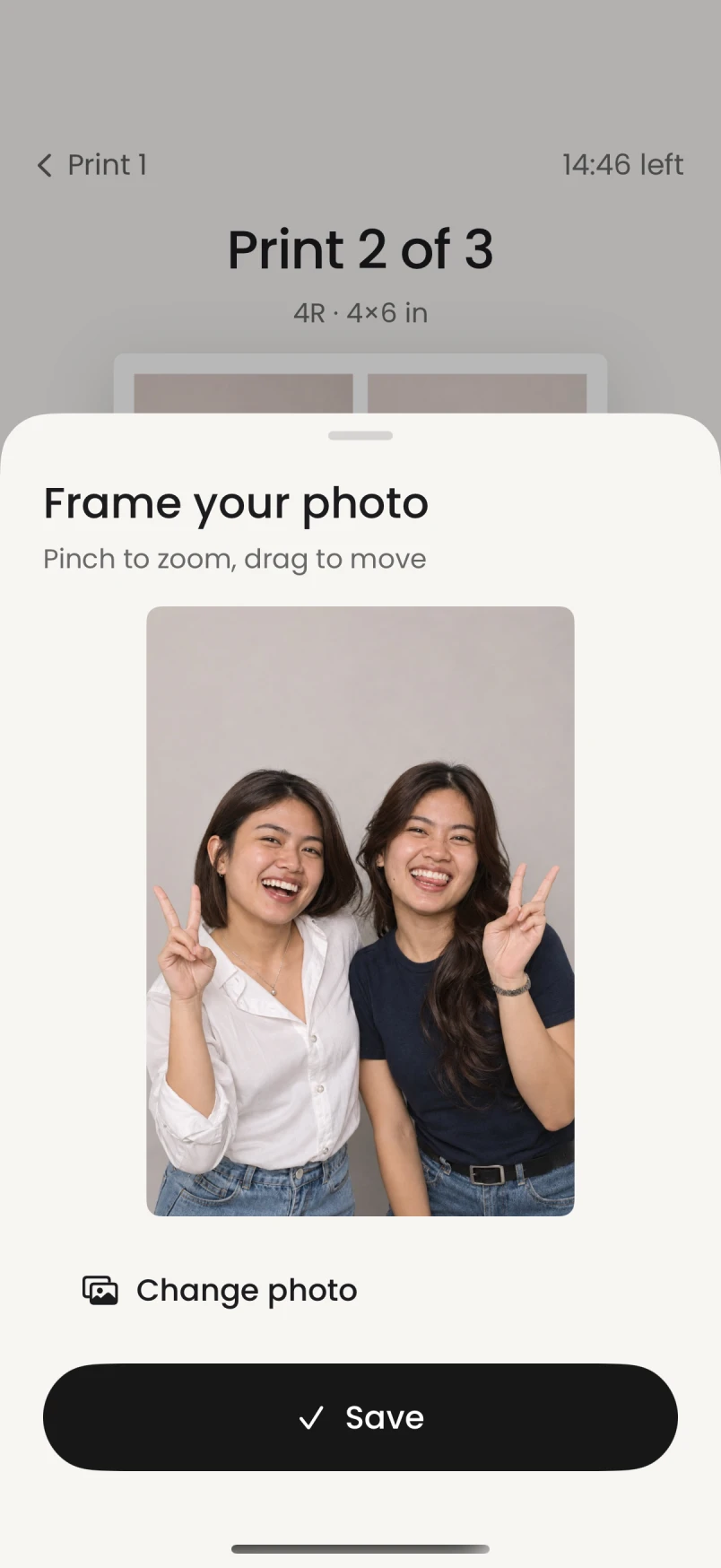
Pinch to zoom, drag to reframe and swap a photo instantly.
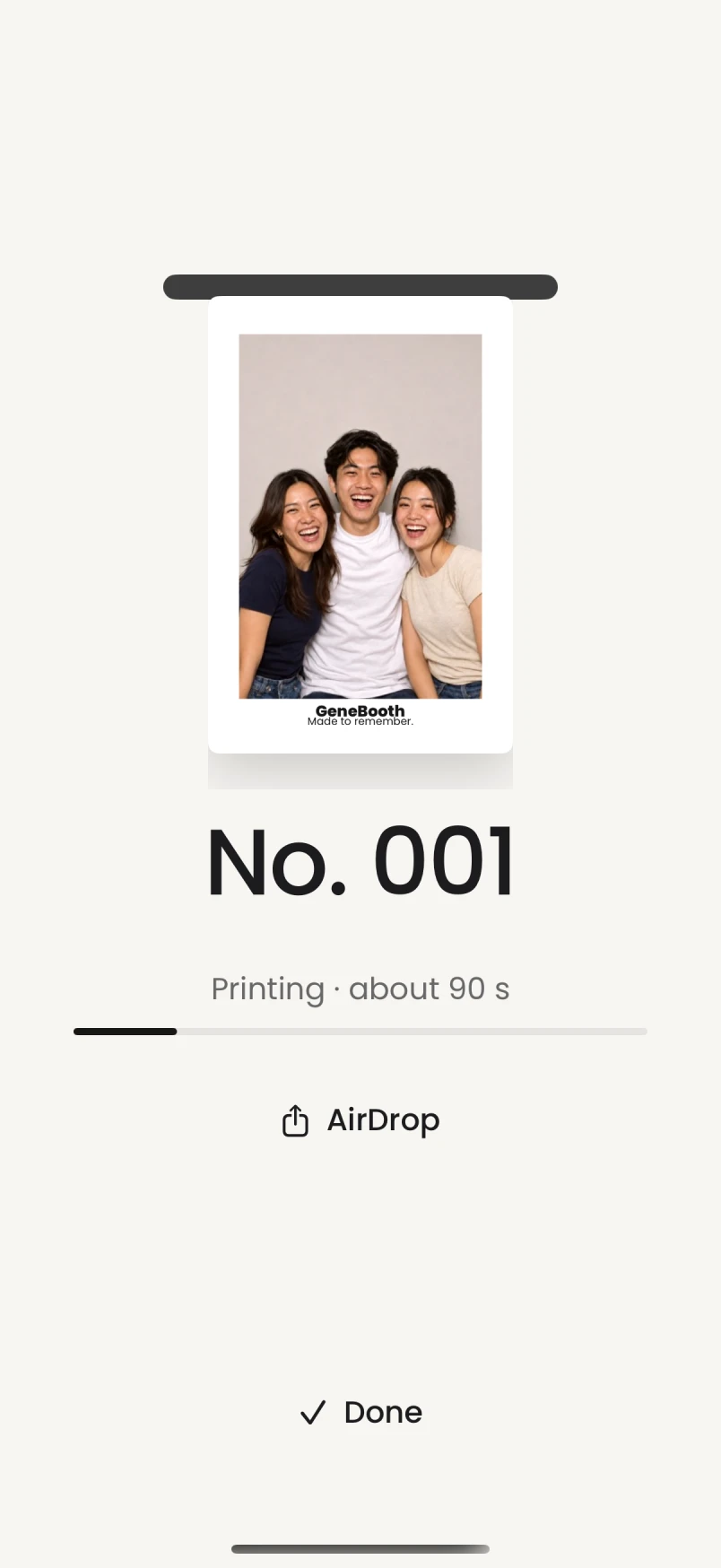
The finished design stays in view, with AirDrop for local sharing.
On iPad, the layout makes room for the moment. A larger preview. Photos within reach. Controls right where you need them.
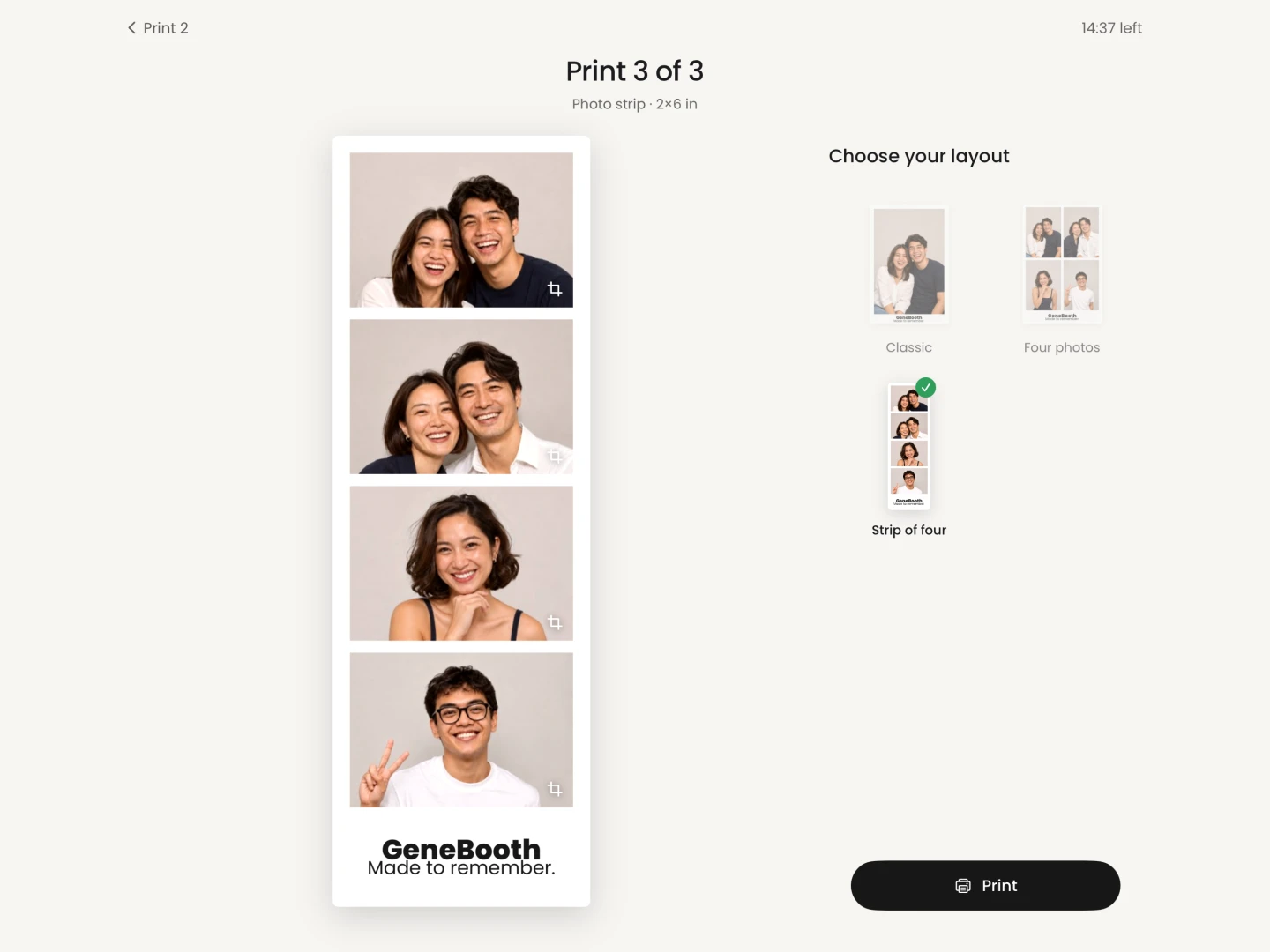
Actual iPad app · Portrait & landscape layouts
A classic photo. Four favorites. A strip to share.
These are actual layouts from GeneBooth’s print renderer.
One photo, a clean border.
4 × 6 inFour moments in a 2 × 2 layout.
4 × 6 inTwo matching 2 × 6 in strips on one 4R sheet.
4 × 6 in sheetSample designs from the app. Your booth can use its own brand and uploaded artwork.
The booth handles the session.
Your laptop keeps the rest in view.
One cover per session. Browse by day, search an order and open every photo, finished design and print sheet.
Choose your printer, turn on auto print and follow the queue. Review a held job or print a saved copy yourself.
Set packages, timers and print layouts. Add your own brand and artwork, and keep staff controls behind a PIN.
Keep local copies on the booth and paired laptop. Offer AirDrop or connect an online gallery for guest downloads.
The phone keeps pending files. The laptop keeps its saved copies. A dropped local connection can reconnect automatically.
How offline printing worksNew sessions transfer locally and designs can go to your selected printer.
Illustrated scenarios. Local transfers need a working local network; printing needs a connected printer.
₱999 a month. Software, setup help and remote support.
Get the desktop app for the laptop
that runs your booth.